How to run the models
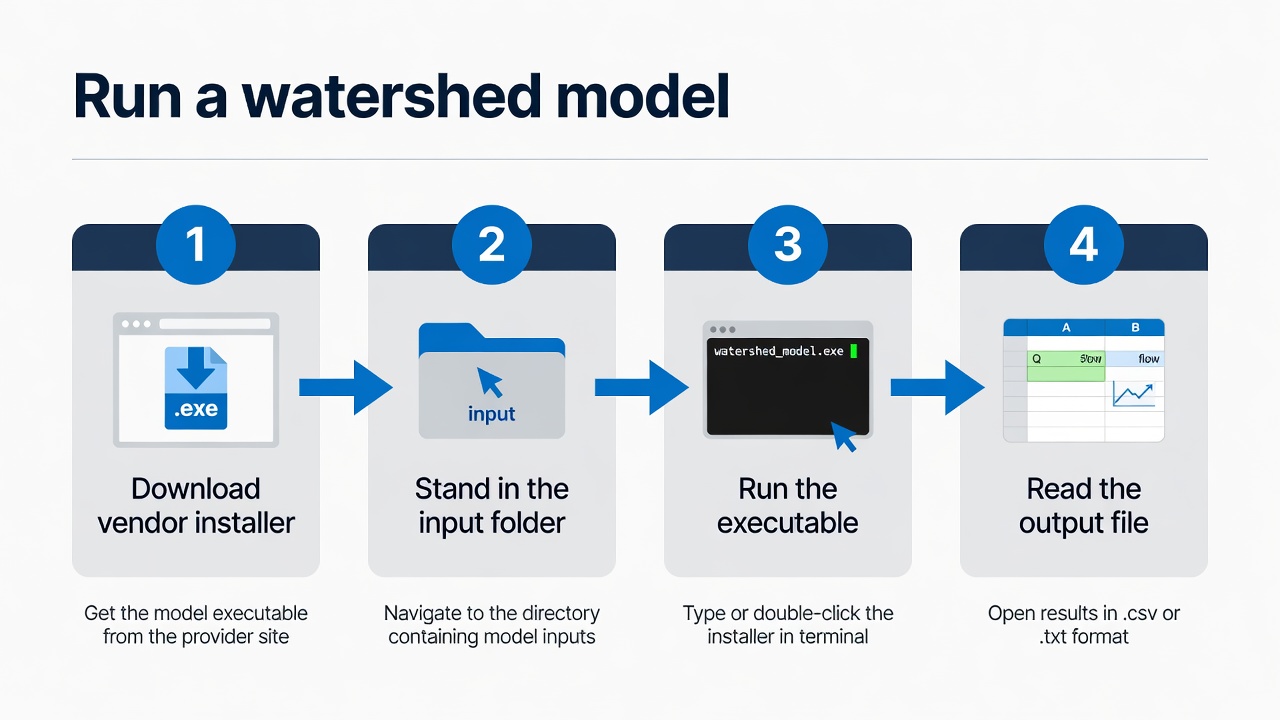
Each tutorial is the lab’s verified Windows CLI path from C:\Grok\Models. Download the vendor package first; then stand in the input folder and run the executable.
Each tutorial is the lab’s verified Windows CLI path from C:\Grok\Models. Download the vendor package first; then stand in the input folder and run the executable.